Features
All of Plexago, module by module.
Here's what the software does. Items marked “Outside Quebec” rely on a provider located outside Quebec: they are covered by the privacy impact assessment Plexago carried out. The interface is available in English and French.
Day to day
Dashboard, menu and search
What needs your attention first, and a menu sized to your portfolio.
- A single screenThe dashboard is your landmark for the whole software: what is pressing, then eight tiles (the month's rent, arrears, vacant units, maintenance, leases, the next date, the year's net income, records to complete). Each tile gives one figure and leads in one click to where you act.
- The “To do” listBelow the tiles, the three most pressing items among what's overdue, what's due within 7 days and what's awaiting a reply, with a single button to act (collect, prepare the notices, schedule, reply, pay…); “See all” shows the rest. “Later”, at the end of the line: snooze it for a day or 7 days, or hide it; it comes back if its due date changes.
- Incomplete dataWhile your records are too incomplete, the rent and arrears tiles say so instead of showing false late payments, and lead to Complete my data.
- Sections and tabsThe menu on the left shows the sections, one click each, nothing to expand: “Upload” first (dropping your documents, the safe, what is missing from your records and questions to Plexago AI), then from the most used (dashboard, rent, maintenance) to the least (settings). A section's pages are its tabs, at the top of the page.
- “+ New”At the top of every page, the common entries, from most to least frequent: collect rent, confirm Interac e-Transfers, add an expense, record a supplier bill, add a work order…
- Current buildingOn the dashboard, click a building under “You are viewing”, or open its page or one of its units: the dashboard then shows only that building, and a box with its drawing (one window per unit, lit if rented) and its address stays at the top right of every page. Rents, expenses, documents, work orders and the other pages that filter by building open on it, and their forms suggest it, until you click the box's ×. The “Focus” button, next to “+ New”, follows one or more in one click: with several, those pages show only them, and the dashboard adds them up.
- Account menuYour initials, top right: account security, phone, language, text size, theme, Essentials or Full menu, getting started guide, guided tour and sign-out. What you set once no longer clutters every page.
- Essentials or Full menuFor 12 units or fewer, the Essentials menu shows the basic pages for a plex, and each tool joins it as soon as your data shows it's in use. “All tools”, at the bottom of the menu, shows the rest; everyone picks their menu in Settings.
- Quick search (Ctrl K)The magnifier button in the header, Ctrl K or the “/” key: every page, common actions and your records (buildings, units, tenants, leases by address, unit or tenant name, applicants, service requests, work orders, expenses, supplier bills and records, documents). Plexago AI as the first option: ask your question and it answers from your data, in the same window.
- Long listsRent, units, tenants and leases: 50 rows per page and sortable columns; rent opens on what to collect first. An empty list says where to start.
- MessagesAfter an action, a message appears at the top right: a success fades on its own, an error stays until you close it.
- Getting started guideOn your first visit, a guide takes you to the useful features one step at a time: upload your documents (AI reads them and fills in Plexago), review the import, complete your records, bill and collect rent, automate reminders, secure your account. On each page, it outlines the place to act without blocking anything; each step ticks itself off, and you can skip one and come back to it later.
- Guided tourTwo minutes to discover the menu's sections, their tabs, search, “+ New”, the account menu and the To do list; “Guided tour”, in the account menu, replays it.
- Automatic tasksRent billing, renewals and purges run every hour. The dashboard reports what they just changed, or a run that failed; Settings shows their last run.


Management
Buildings, units and companies
Each building has its complete record, each unit its own, and your companies group them together.
- CompaniesGroup your buildings by owning company (the landlord), with its address and NEQ; the dashboard covers them all.
- Building recordAddress with a validated postal code, type (from duplex to multi-unit, condo, commercial or mixed), year built.
- Purchase and mortgageBuilding and land price, purchase date, mortgage balance, principal and interest.
- PeopleOwners and their share (%), property managers, janitor, emergency contact, leasing agent, in a single card; someone already in Plexago is picked instead of retyped.
- Unit recordType, rooms (from 1½ to 7½ and up), floor, area, share, expected rent, water heater, pets.
- Reminders, notes and photosOne-time, monthly or yearly reminders, dated notes and a photo gallery, per building or per unit.
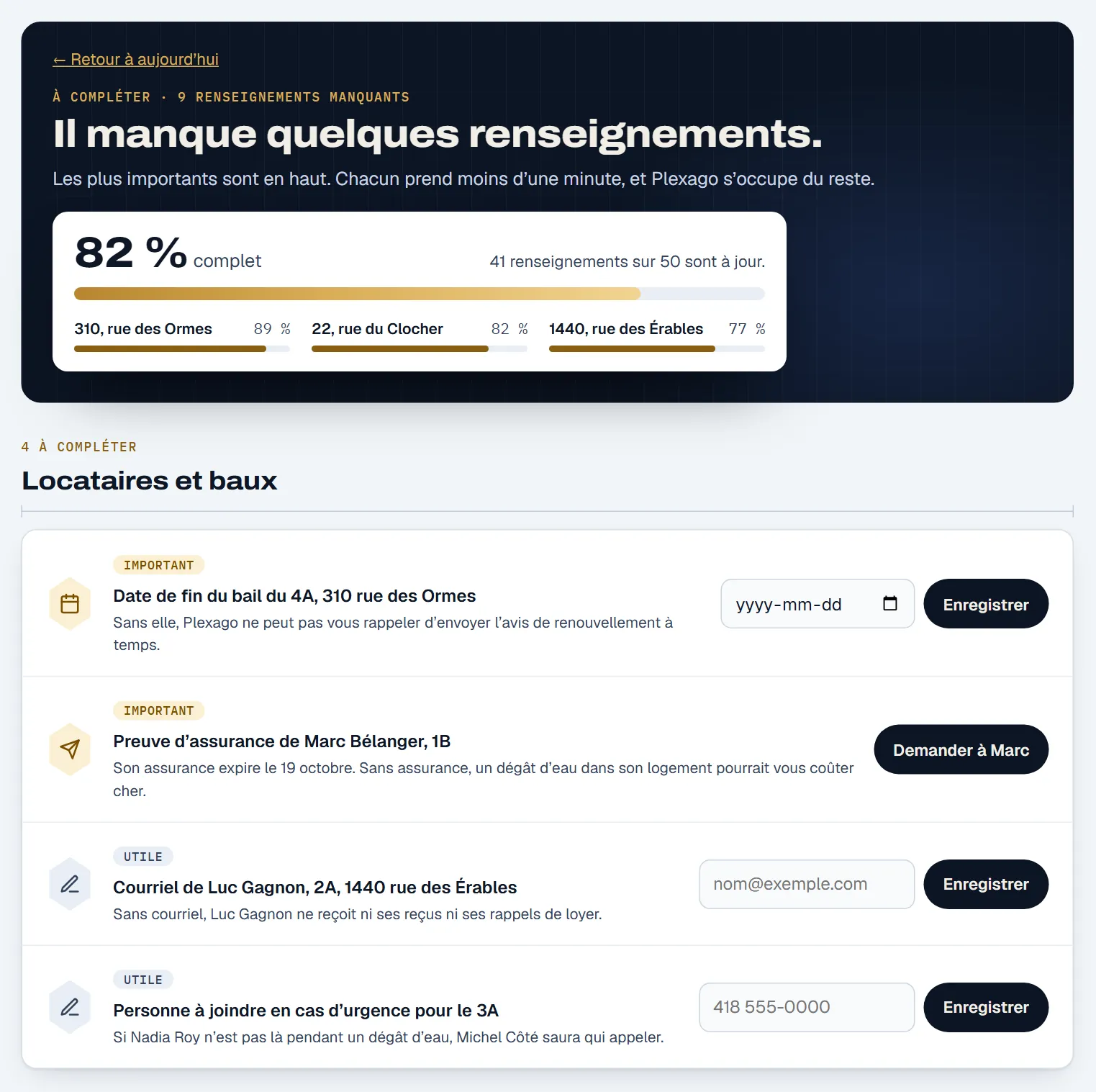
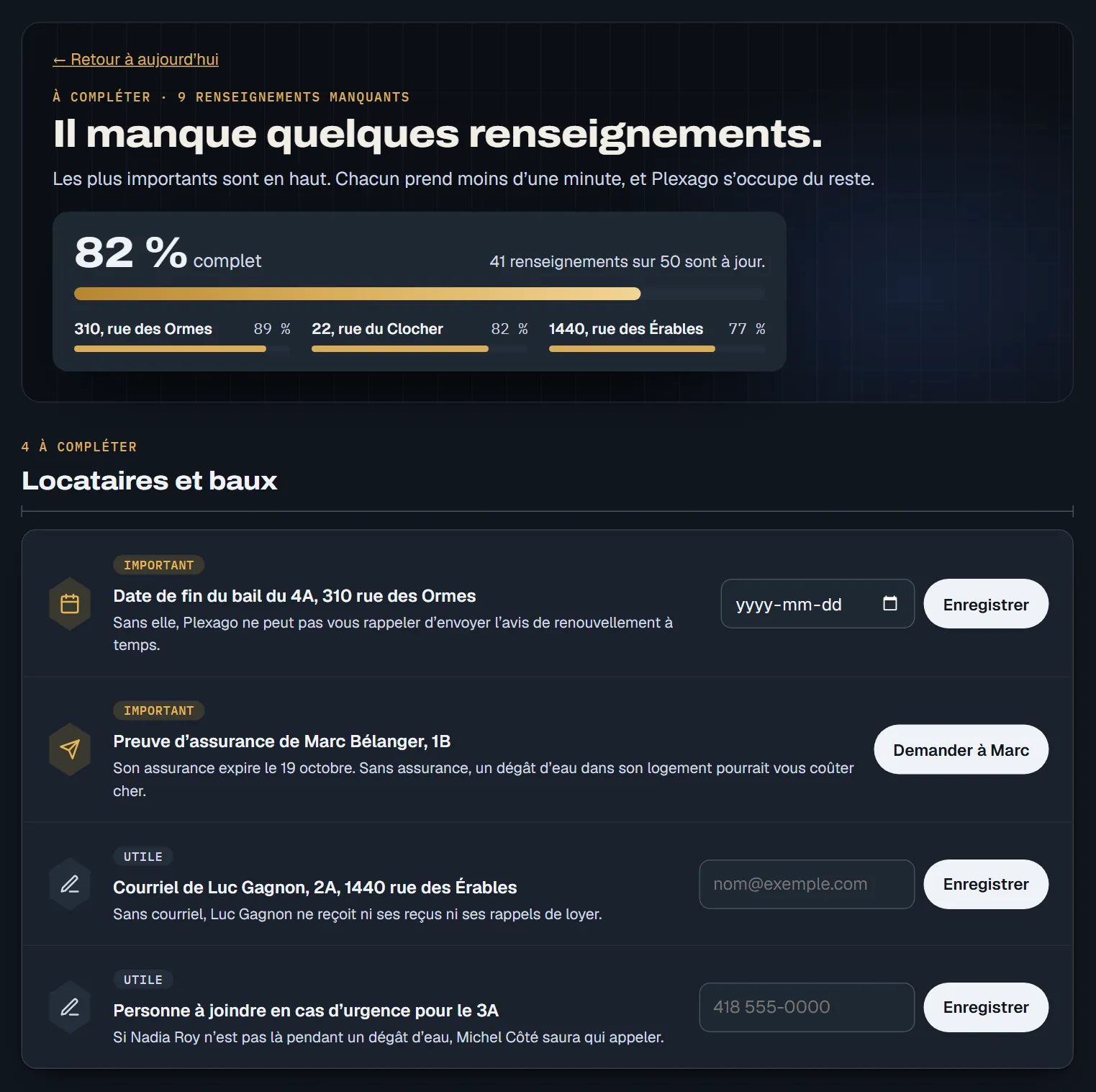
- Complete my dataWhat's missing from your records and what it holds up (notices, RL-31 slips, billing), with a “Complete records” score and grids to fix everything at once, or paste a column copied from Excel.
Management
Leases and tenants
A register of all your leases, and a fast way to complete it.
- Lease registerFilters by building, status and end date; leases “to complete” stand out.
- Quick entryA grid to enter dates, rents, tenants and co-tenants for a whole building, or paste them from Excel.
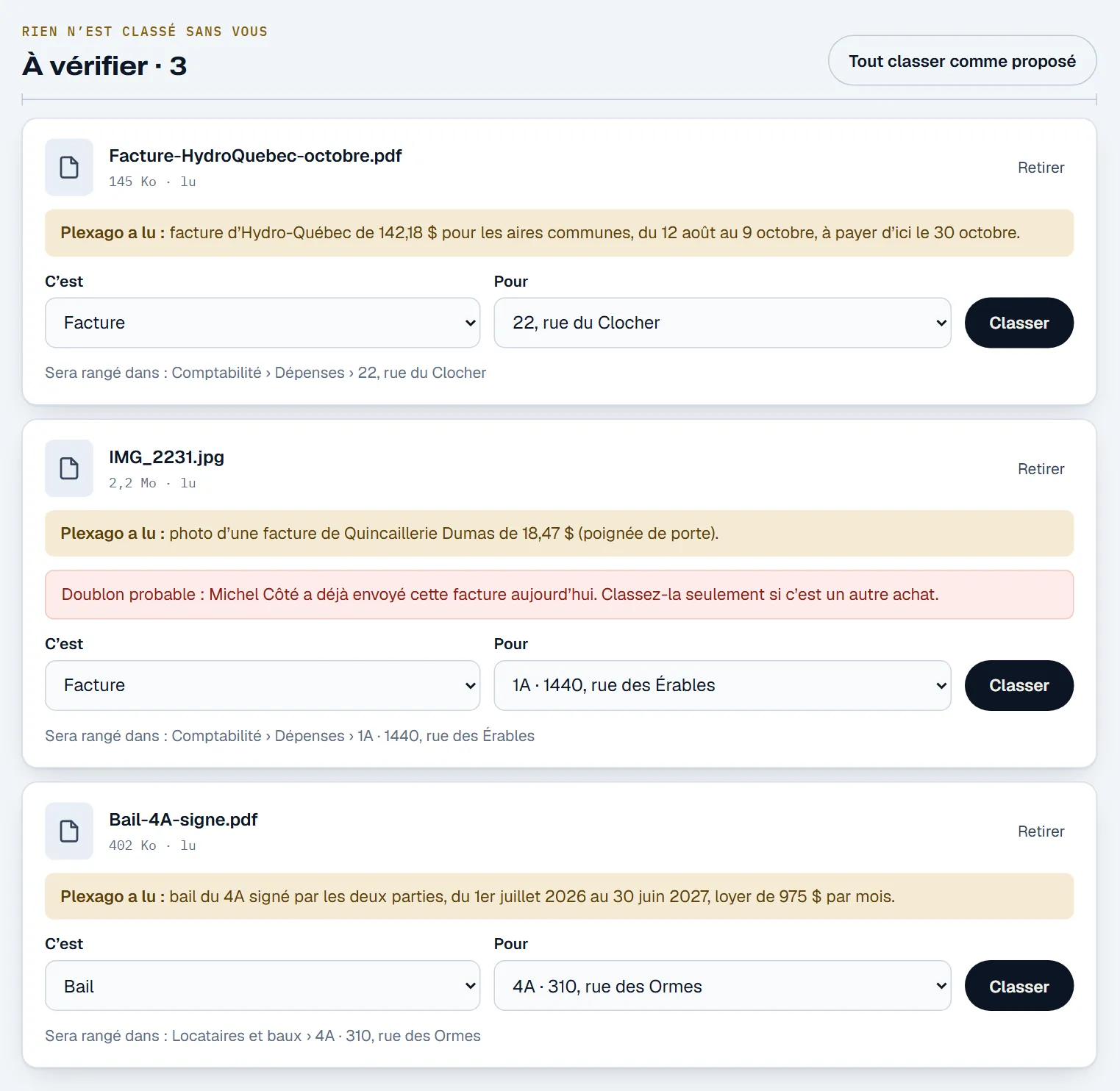
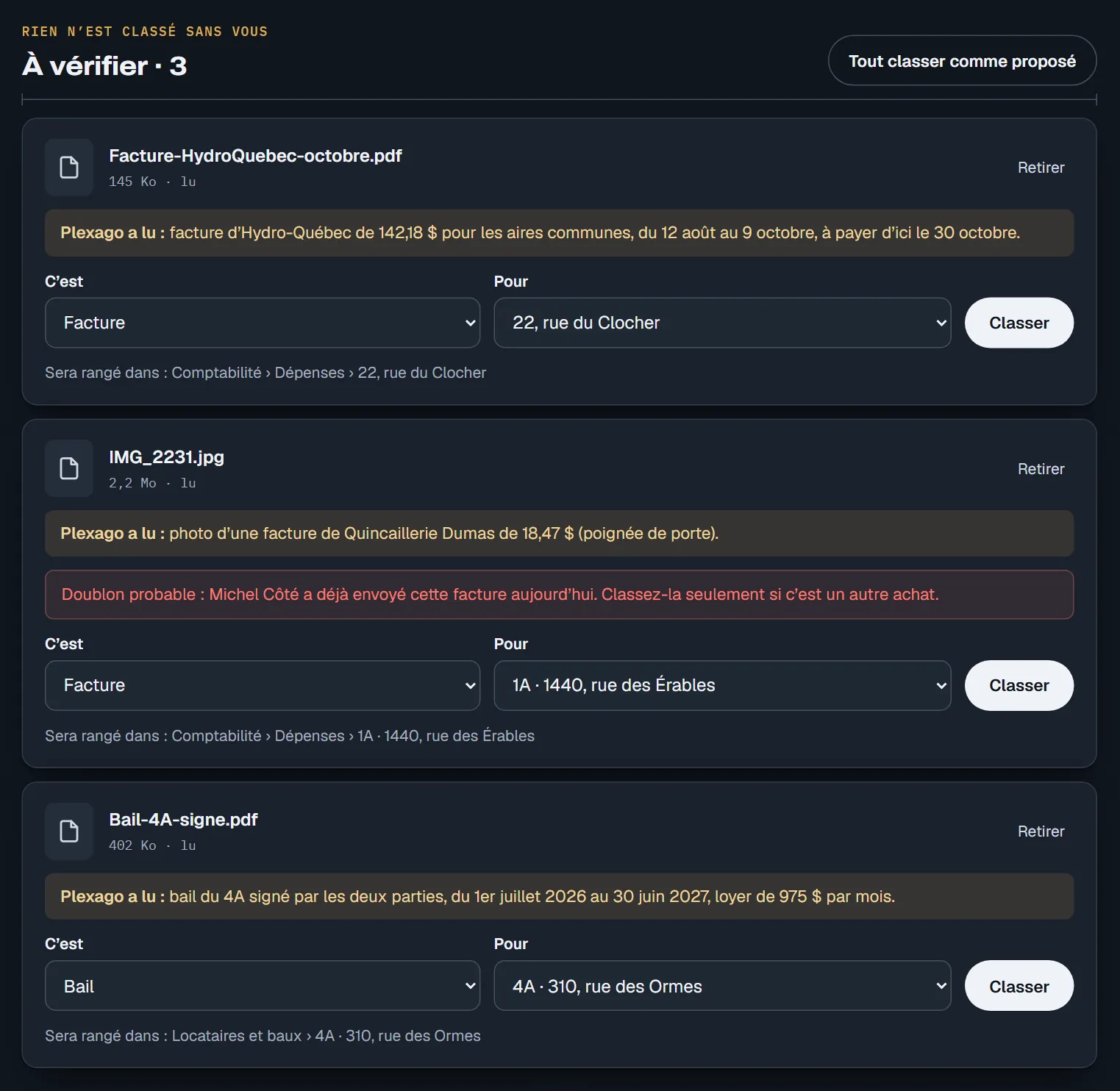
- Lease PDFUpload the signed lease: Plexago keeps it and fills in number, dates, rent and tenants (text PDFs), for you to review before anything is saved.
- One record per personContact details, leases (payer or not, authorized sub-tenant) and roles in your buildings, on a single record reused from one lease to the next; possible duplicates merge, leases and history included.
- Key pointsWhat's included in the rent, rules, schedules and payment method, on the lease record.
- Lease languageFrench or English: renewal notices follow each lease's language.
- Excel exportThe tenant list, filtered as on screen, in a file that opens in Excel.
- Scanned lease readingOutside QuebecEven scanned leases, read by AI: dates, rent, tenants with their emails and phone numbers, included services, special clauses. Each lease is read twice and checked (dates, rent, signature, section G); a lease for another unit is refused.
Management
Renewals and rent increases
The renewal campaign, from calculating the increase to the tenant's reply.
Plexago's calculation is an estimate: the TAL's own calculation tool is the reference. Try it with no account: calculate a rent increase, notice deadlines.
- 2026 TAL methodBase rate, municipal and school taxes, insurance and major work, according to each unit's share.
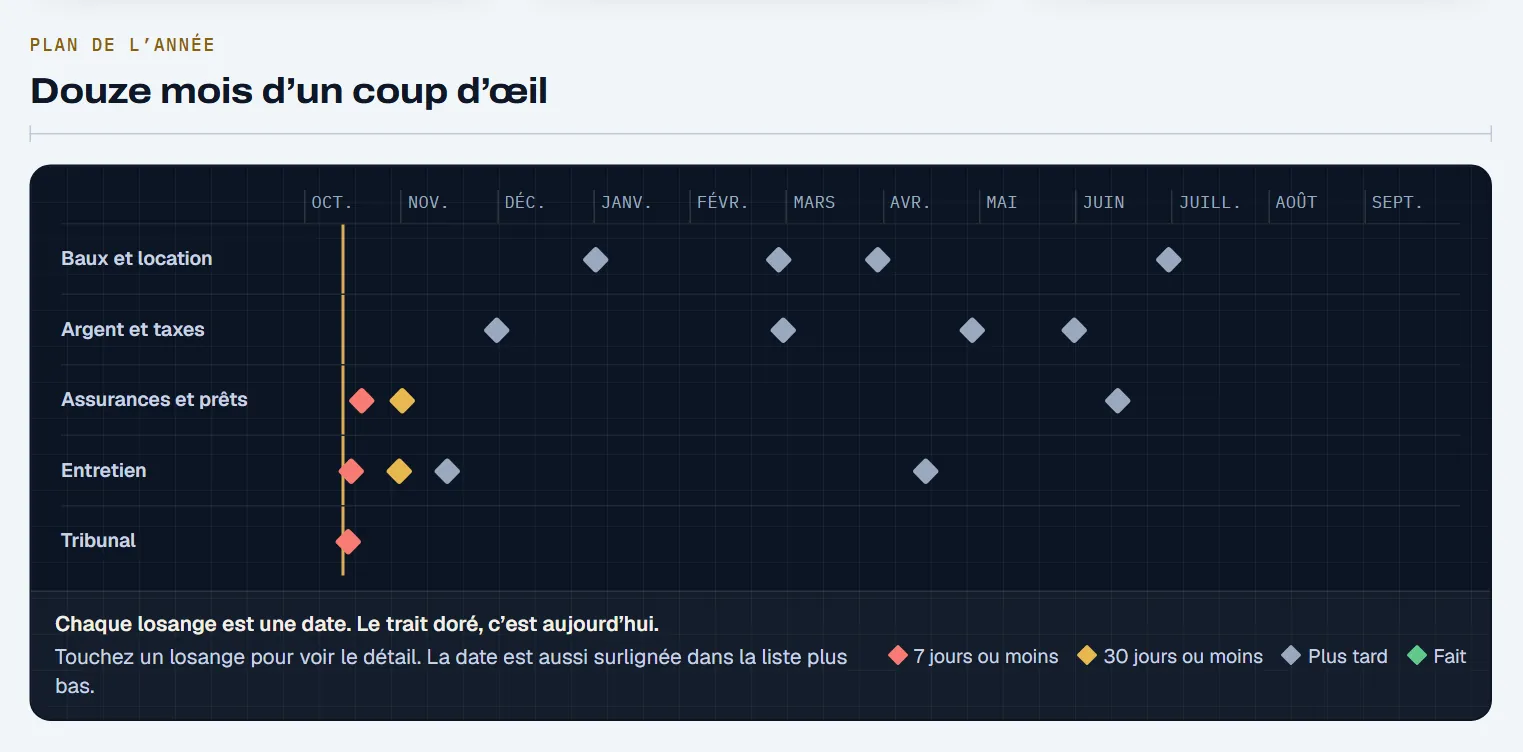
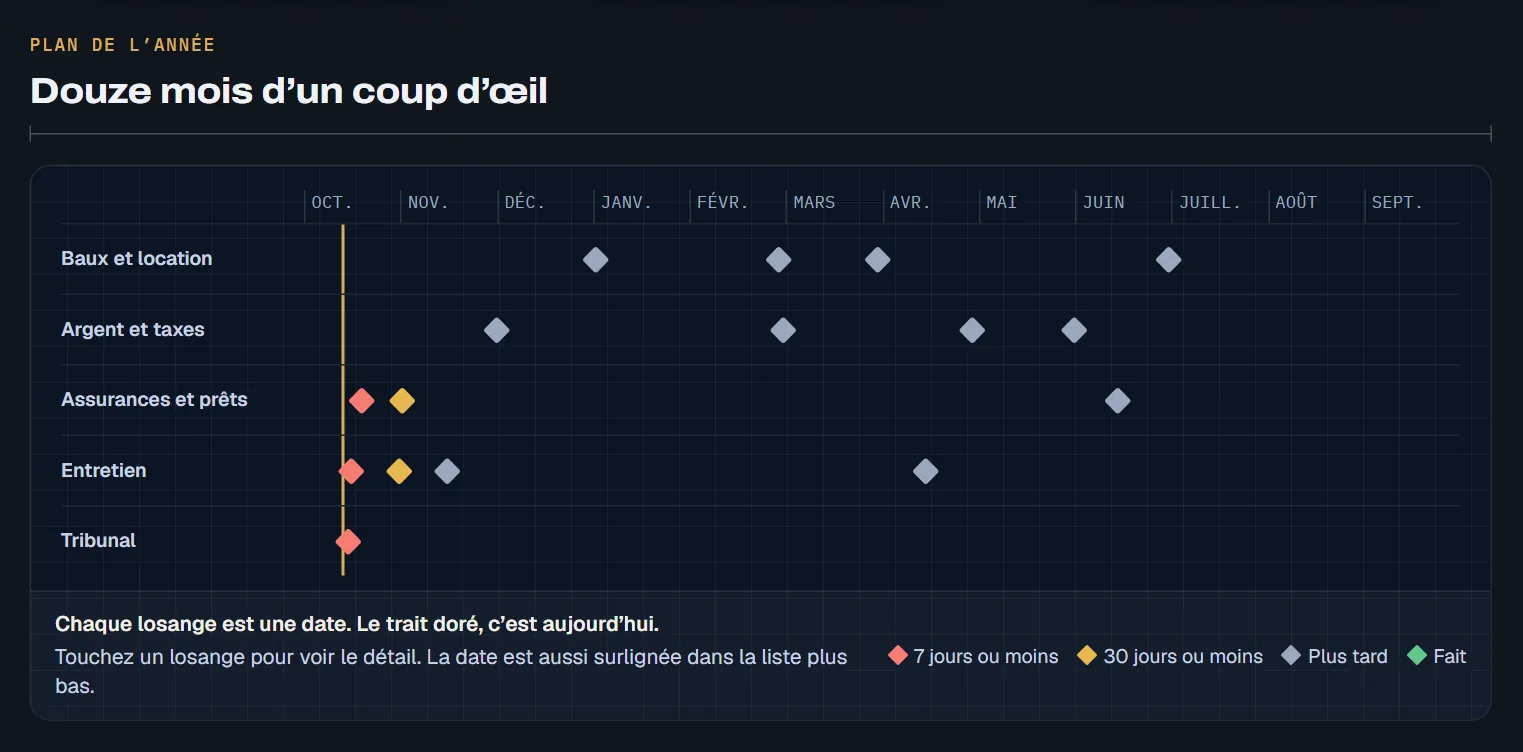
- Notice periodPlexago shows when notices must be delivered: between 6 and 3 months before the end of a 12-month lease.
- Increases in bulkRestore the suggestions, apply a percentage, adjust case by case, round to the dollar.
- Notices ready to signA 3-page notice per tenant (notice, information, reply form), in the lease's language, all in one PDF.
- RepliesReply deadline calculated; acceptances and refusals recorded in bulk.
- RenewalOn the planned date, the new lease takes over and the old one moves to the history.
Management
Rent and collection
Monthly invoicing happens on its own; all that's left is recording what came in.
- Automatic invoicingOne rent invoice per lease every month, no duplicates, with catch-up of missed months.
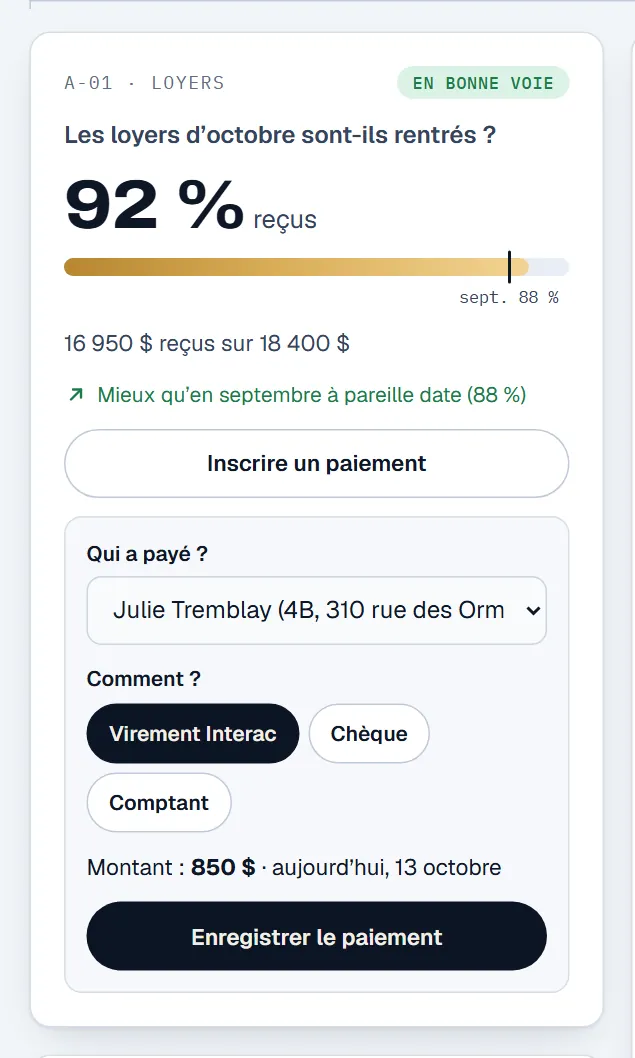
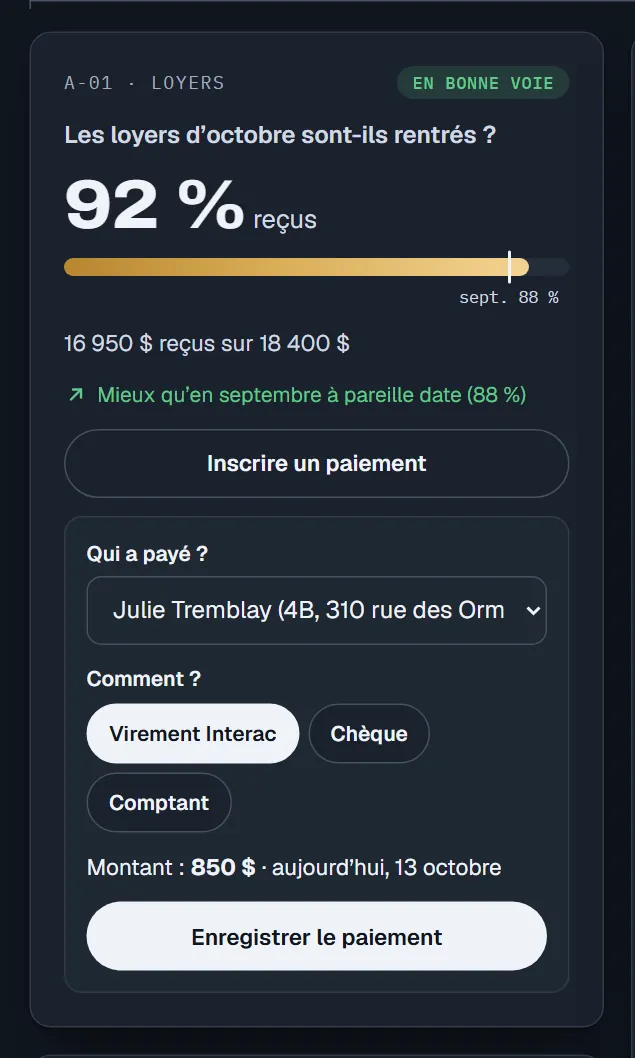
- Quick collectionTick the rents received; one date and one method for all (transfer, Interac, cheque, cash), a note if needed.
- Account statementPer unit: billed, paid, balance, plus manual invoices for parking or other charges.
- ArrearsLate payments by unit and since when; aging report (0-30, 31-60, 61-90, 90+ days).
- Receipts and notices by emailPayment receipts and the month's due-date notices, sent to your tenants.
- Reminders by textThe rent reminder, straight to the cell phone of payers who have a balance (texts included every month, then pay as you go).
- Interac e-Transfer noticesPaste the transfer notices you receive by email, or drop the .eml files: Plexago suggests the rent paid, you confirm, and it then recognizes a spouse's or roommate's name.
- Deposits recognizedImport your bank statement (CSV): your tenants' Interac e-Transfers are matched to the right rent by name and amount, and you confirm in one click. A transfer already collected from its notice moves to “Confirmed by the bank”, without being counted twice.
Management
Maintenance, tenant requests and the tenant app
Your tenants' requests and your suppliers' work, tracked in one place.
- Work ordersDescription, person in charge (a supplier from the register, or a person), requester, amount, planned date; priority from low to urgent.
- StatusesTo do, in progress, done or cancelled; open work shows on the dashboard.
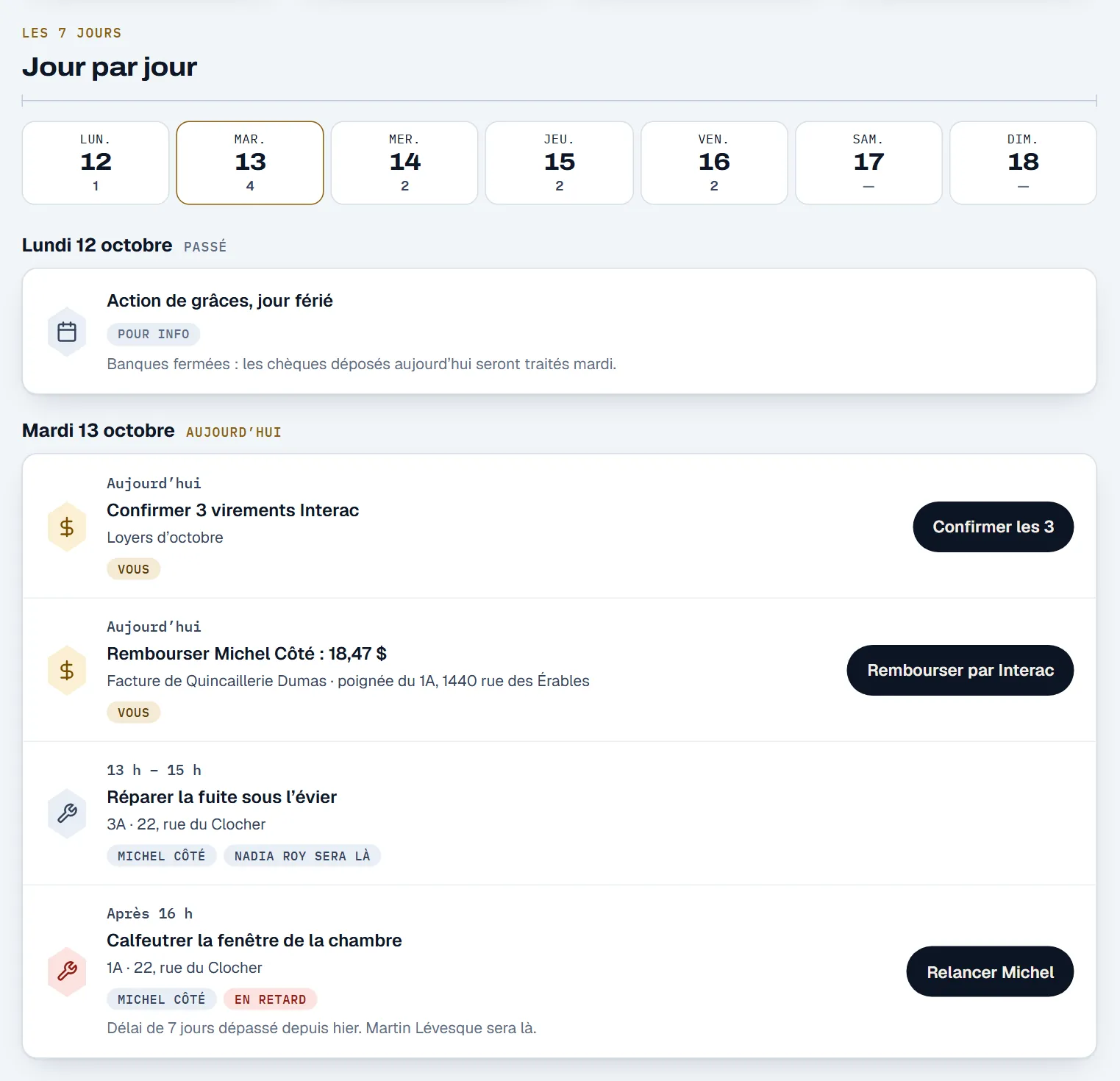
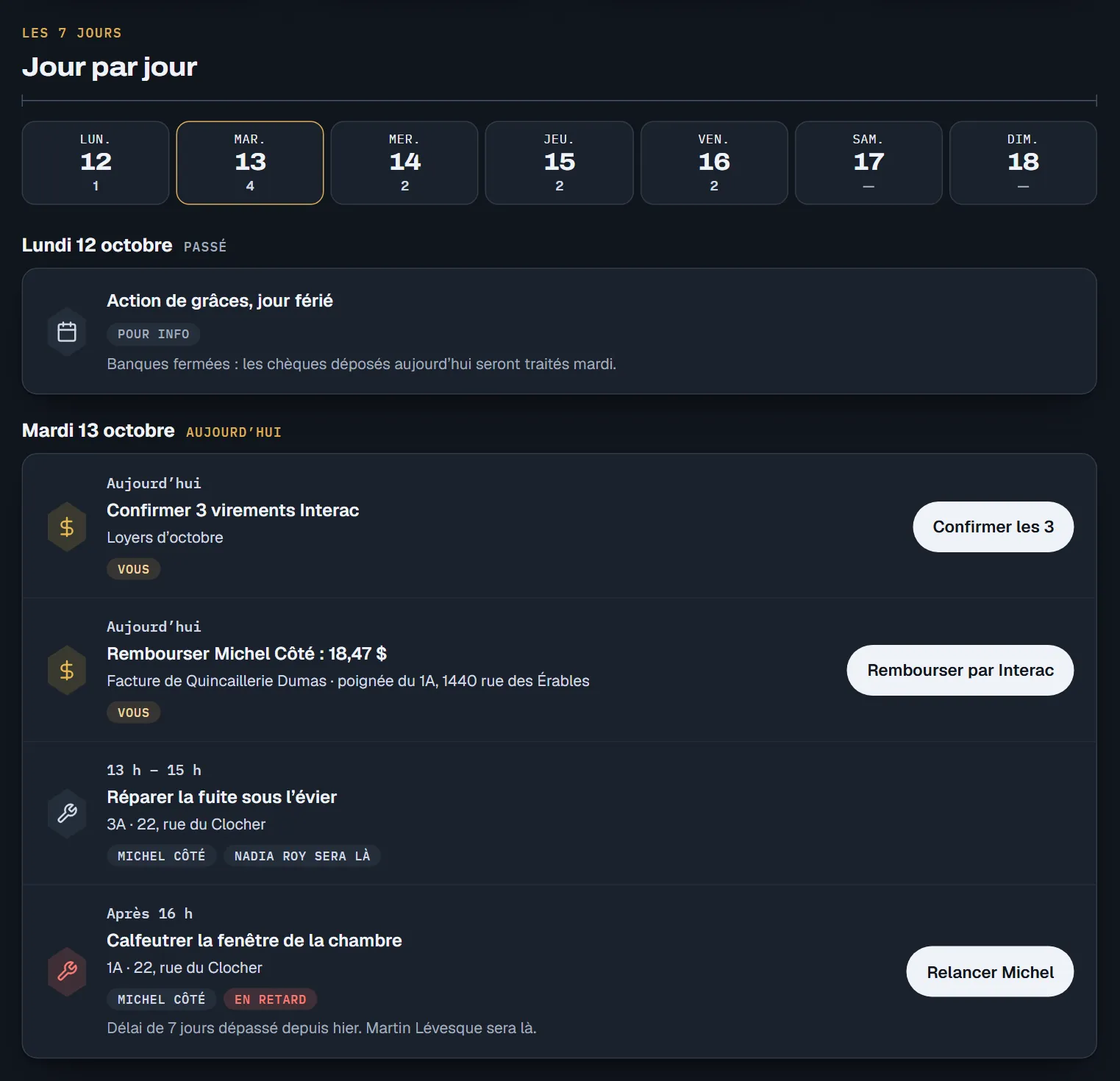
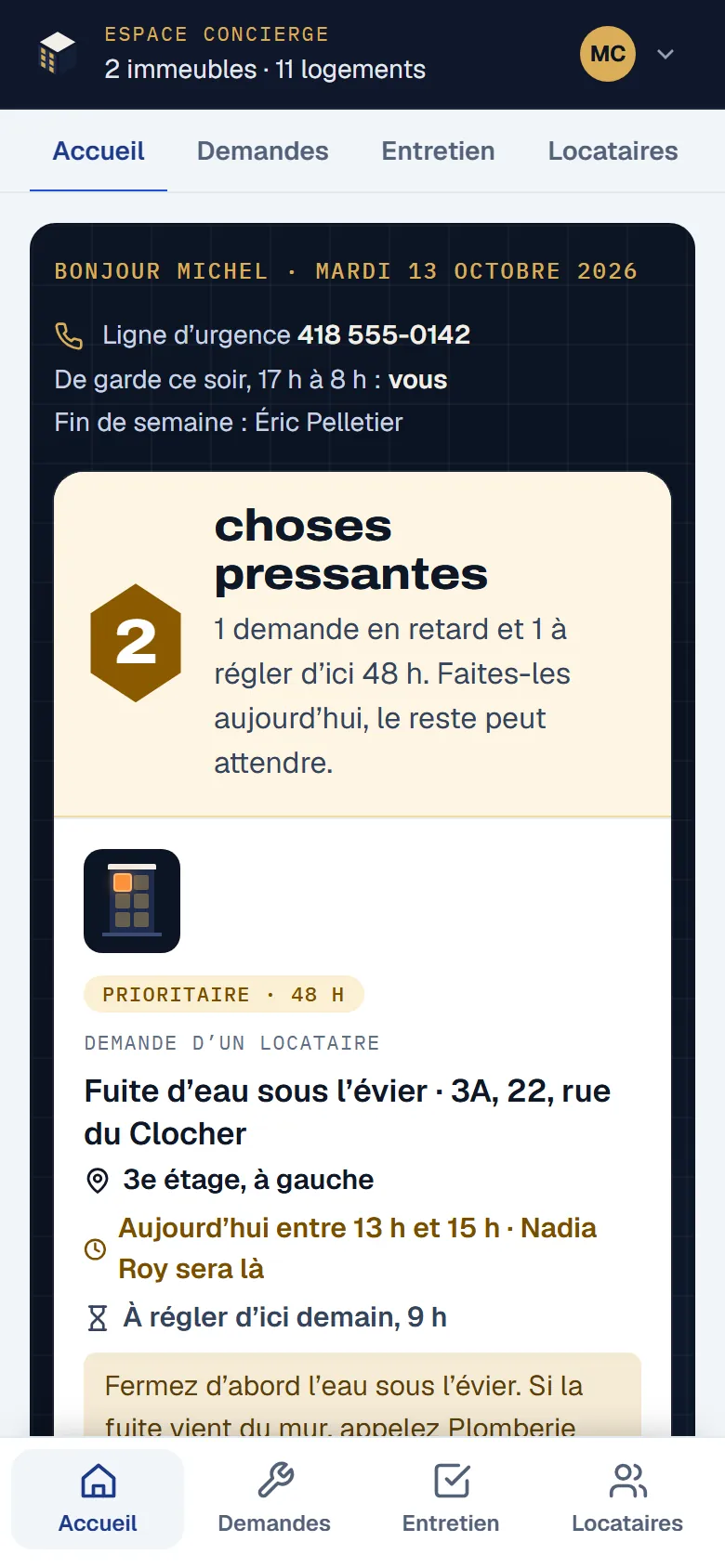
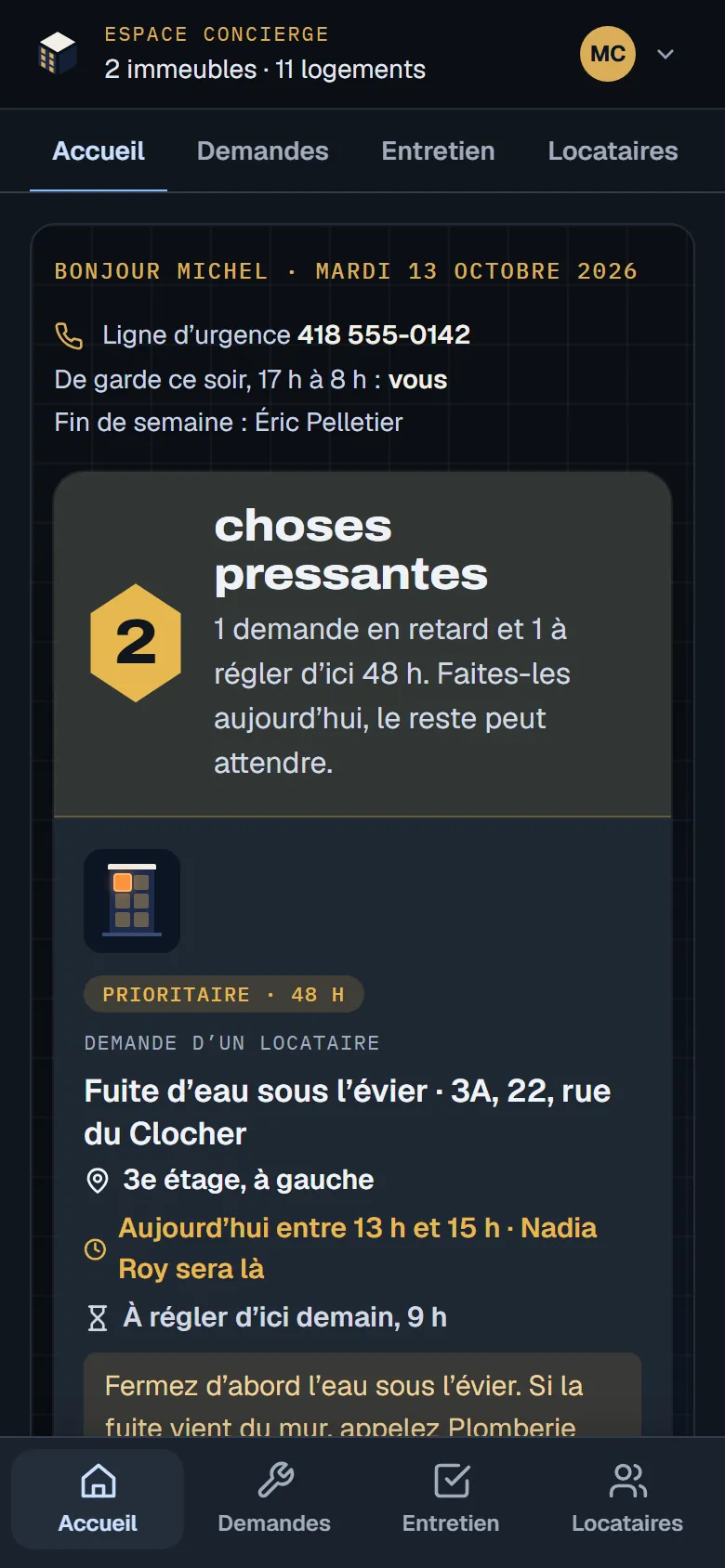
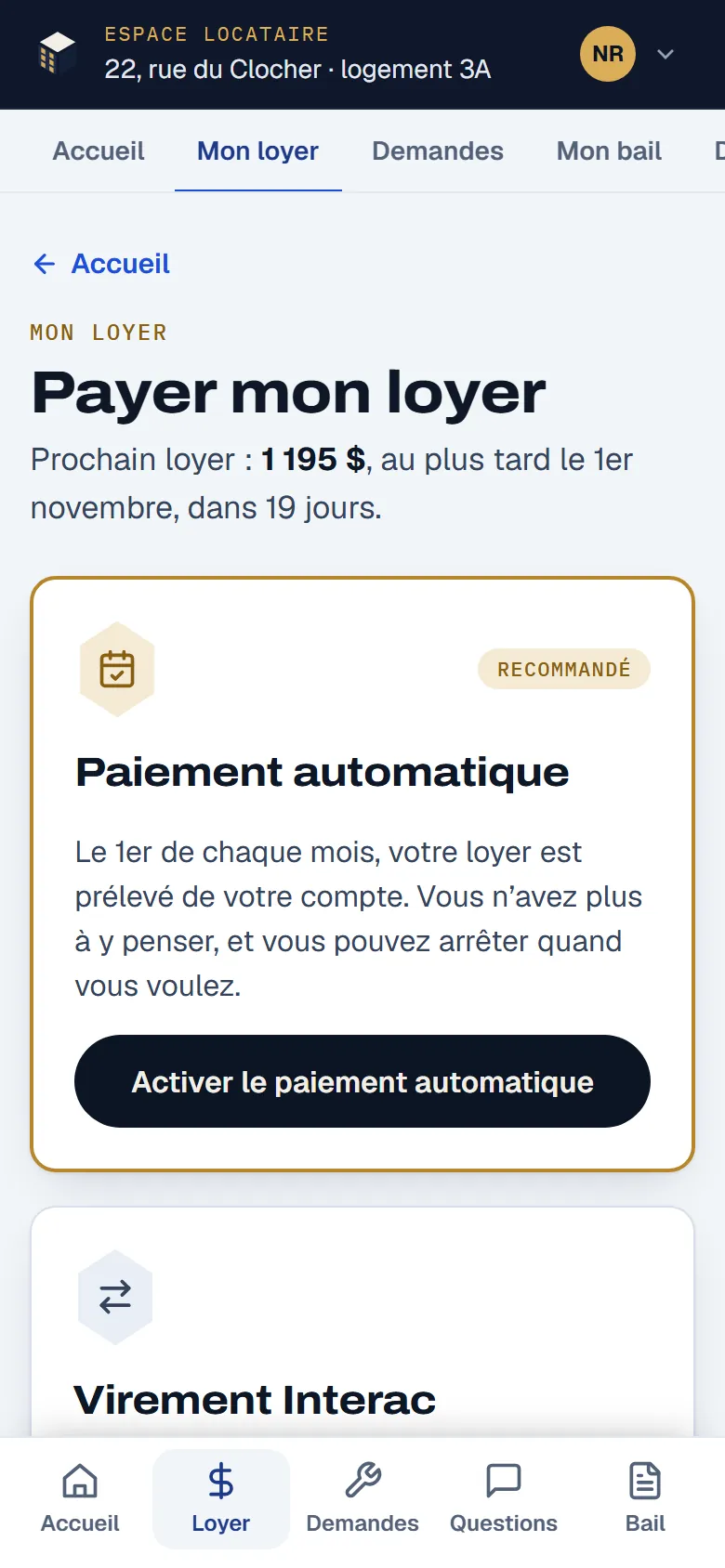
- Tenant app and portalNo password, with the lease's invitation code: the Plexago app on the phone, or the tenant portal on the web.
- RequestsCategory, room, urgency, availability and permission to enter, in 5 steps.
- Shared trackingAssign, schedule, mark resolved: each note shows in the tenant's app and portal.
- Texts to tenants and your teamTenants who ask for it get a text at each step; an urgent request alerts the cell phones your team chose (texts included every month, then pay as you go).
- Photos in requestsIn the app or in their portal, your tenants attach up to 6 photos to what they report; you see them with the request.
Tenants
Tenant portal
A web portal for your tenants, with no password: their lease's invitation code is all they need.
The “Tenant portal” module, on by default; an administrator can turn it off in SettingsModules.
- Entry by codeThe invitation letter, in the lease's language, carries the code and a QR code: the phone's camera opens the portal in one go. The code can also be typed by hand.
- My leaseDates, rent, included services, rules, the lease PDF and notices received: renewal notices and landlord notices sent.
- My balance and receiptsInvoices, payments received, balance and your payment instructions; a PDF receipt for each payment and a yearly summary.
- RequestsA problem reported in 5 steps, with photos, and tracked until the repair.
- QuestionsA thread with the management: you answer from Plexago, and the answer shows in the portal.
- RL-31The tenant's copy, uploaded by you, offered only after their dated consent; they can withdraw it at any time.
- My informationWhat you hold about each tenant on the lease, with a correction request you accept or decline, with reasons, within 30 days.
- Settings and follow-upPayment instructions and sections shown in Settings, contact details from the management identity; the unit's page shows the last visit and the requests, and “Revoke access” replaces the code.
Management
Renting
From vacant unit to signed lease.
Listings are for your own tracking: Plexago doesn't publish them on other sites.
- Units for rentTitle, description, asking rent, availability date; active or inactive listings.
- Rental applicationsApplicants, contact details, person in charge, notes and status: received, under review, accepted, declined.
- From applicant to leaseAccept an application: the lease is created and the applicant becomes the paying tenant.
- Vacant unitsUnits without a current lease stand out on the dashboard.
Finances
Accounting
Every expense in the right place, with its tax treatment.
- ExpensesSupplier picked from the register, with its usual category; GST and QST calculated if it's registered for the taxes; for the whole building or one unit.
- Supplier registerOne record per supplier: contact details, GST and QST numbers, RBQ licence; its expenses, invoices, work orders and service requests are linked to it, even under another name.
- Tax treatmentCurrent expense, capital expense (CCA), financing costs, land or non-deductible.
- 27 categoriesEach tied to its T776 and TP-128 line: taxes, insurance, interest, maintenance…
- Co-ownershipExpenses shared by ownership share, or specific to one co-owner.
- Prepaid expensesInsurance or taxes spanning two years are spread over the period covered.
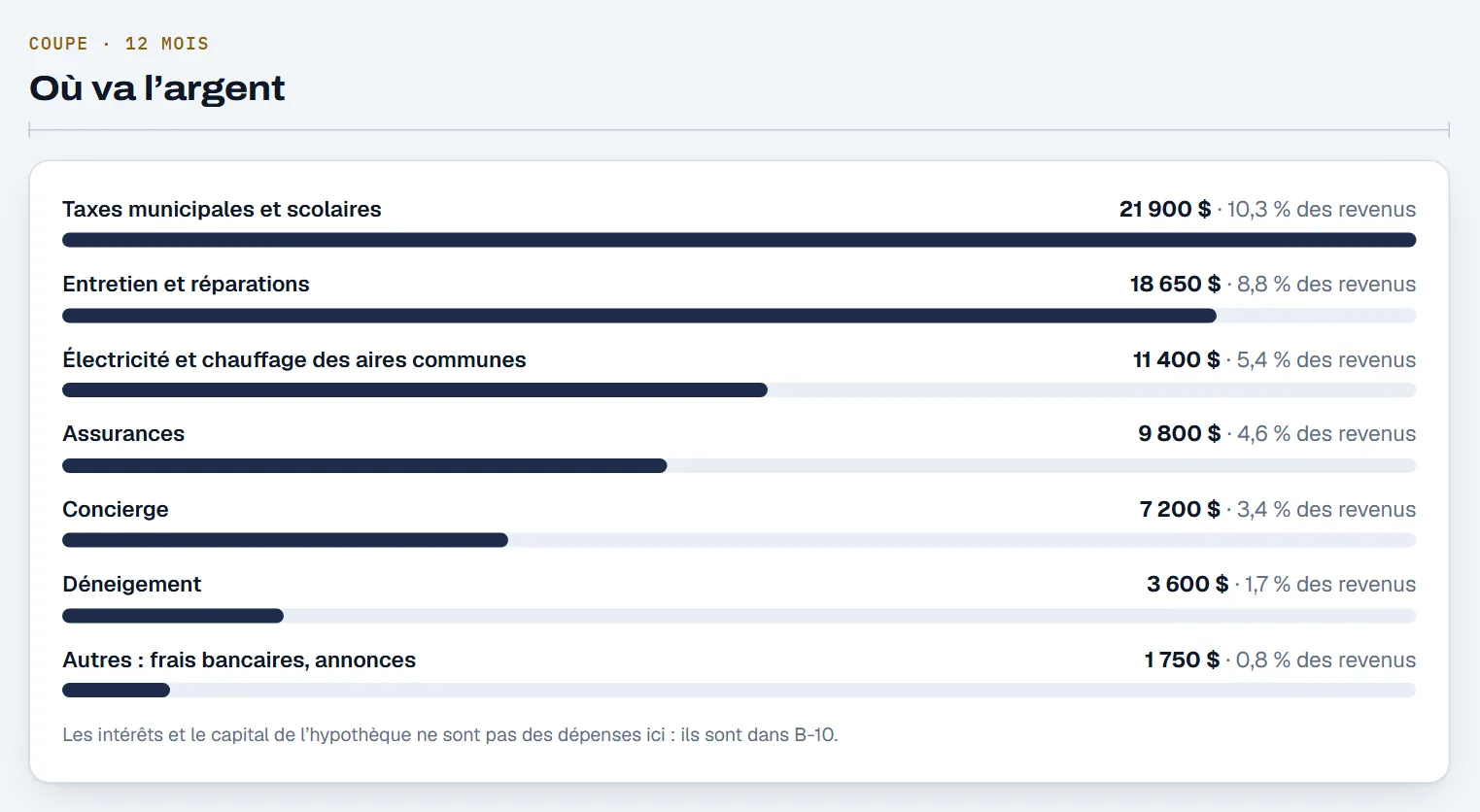
- Income statementBy building and consolidated, compared with the previous year, split by owner (PDF).
- General ledger and financial statementsDouble-entry books for each company, built from your rents, payments, expenses, bills and loans: each record is counted only once. Balance sheet, income statement, cash flows, trial balance, locked closings and GIFI codes for your accountant.
- Photographed invoicesOutside QuebecA photo (several for a document with several pages) or PDF of the invoice: AI reads it and prepares the expense with GST and QST, which you review next to the document before saving it; a photo, a scan or a doubtful value has it read again, and you settle what the readings don't. The file is kept as the supporting document.
Finances
Taxes
Complete working papers, for you and your accountant.
Working papers to be validated by your accountant: Plexago files nothing with the Canada Revenue Agency or Revenu Québec.
- T776 and TP-128One working paper per taxpayer, according to each co-owner's share.
- CCAClasses 1, 3, 6 and more, the half-year rule, the accelerated investment incentive; CCA never creates a rental loss.
- RL-31 slipsOne slip per unit rented on December 31; exclusions with a reason, for example a rent supplement.
- TP-1086Your contractors and the amounts paid for work, one line per supplier even when its name varies from one invoice to the next.
- Data checkWhat's blocking, what to check, with a link to fix each item.
- Accountant's packageOne ZIP: working papers, CCA, RL-31, TP-1086, income statement, general ledger and a read-me.
Organization
Letters, reports and search
Writing to your tenants, and getting your numbers out.
- Letter templatesLate notice, note to tenants or your own templates, with variables like {{locataire}} and {{loyer}}, or drafted by AI from your data.
- PDF or emailOne letter per tenant, as a PDF or sent by email with the PDF attached.
- Management identityYour management's name and contact details, entered once: they sign emails, texts, receipts, notices and letters, and appear in the tenant portal and the privacy policy.
- ReportsLists of buildings, units and tenants, arrears, billed vs collected, general ledger (CSV for Excel, or PDF).
- Quick searchAn address, a tenant, a lease number, a work order, a page or an action: Ctrl K, and everything is findable.
Organization
Privacy and security (Law 25)
The tools to comply with Law 25 are part of the software.
Plexago gives you the tools; compliance remains your business's responsibility.
- Public policyYour privacy policy, generated from your settings, for your tenants and applicants.
- Person in charge and assessmentDesignate the person in charge of personal information and see the privacy impact assessment that covers what leaves Quebec, or enter your own.
- RetentionRetention periods, then anonymization of former tenants and old rental applications.
- IncidentsThe register of confidentiality incidents and their follow-up.
- Access requestsA person's complete file in one download, for an access or portability request.
- Access and correctionIn their portal, your tenants see the information you hold and ask for a correction; you accept or decline it, with reasons, within 30 days.
- Role-based accessEach team member sees what their role allows; sign-in attempts are limited.
Finances
Banking and investment
Match your bank statement to your records, and measure how your buildings perform.
- Bank reconciliationImport your bank statement (CSV): deposits and withdrawals are matched to payments and expenses of the same amount, within 7 days; the rest is reconciled in one click.
- Rent depositsEach deposit on the statement is matched to the right rent, based on the tenant's name, the amount and the date; you tick the ones to record.
- Building ratiosNet operating income, gross and net rent multipliers, capitalization rate.
- Purchase scenarioDown payment, mortgage, cash flow, return on the down payment and debt coverage ratio.
Missing a feature?
Tell us how you manage your buildings today: it decides what comes next.